

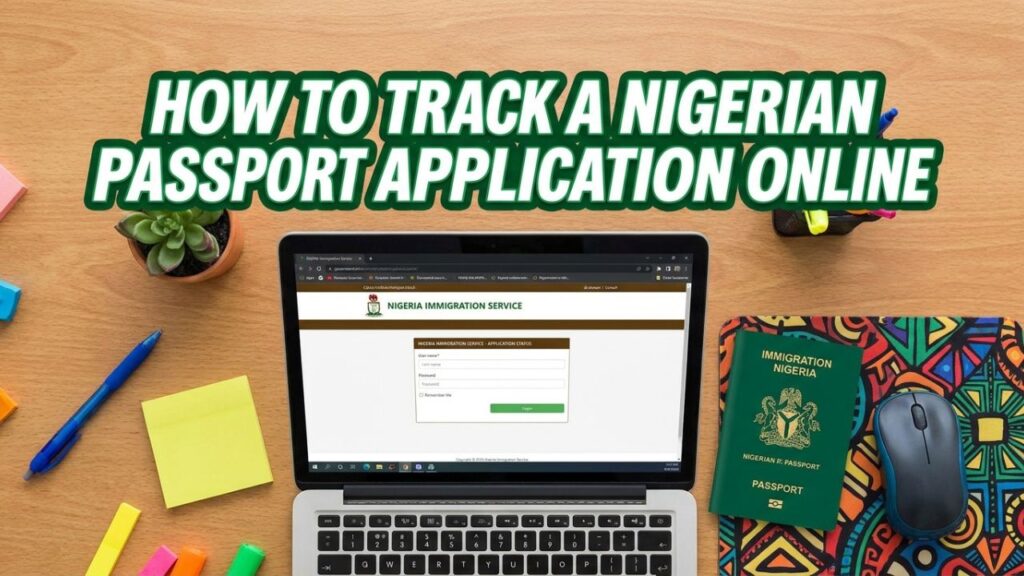
After paying for a Nigerian passport and completing your biometric capture, the waiting begins. Instead of making repeated trips to the passport office, you can track your Nigerian passport application online and see exactly where it is in the process.
This guide shows you how to track your application on the official Nigeria Immigration Service (NIS) tracking page, what each status means and what to do if your application seems stuck.
Use only official NIS websites. Track your passport at track.immigration.gov.ng or through the NIS passport portal. Never share your application details with agents who promise to “speed up” your passport for a fee.
What you need before you start
Keep these details from your acknowledgement and payment slips handy:
- Application ID
- Reference number
- The email address you used when applying
If you have lost these details, check the email inbox (and spam folder) you used to apply, or go back to the passport office where you did your capture with your payment receipt.
How to track your Nigerian passport application online
- Open the NIS tracking page at track.immigration.gov.ng on your phone or computer.
- Enter your Application ID and Reference number exactly as they appear on your slip.
- Submit the form and wait for your status to load.
- Note the current stage and the date it was last updated.
- Check again every few days rather than several times a day — the status updates as your application moves along.
The tracking page can also show whether your passport is ready to be issued, so you can avoid an unnecessary trip to the office.
What each passport status means
In January 2026, the NIS updated the tracking stages and added a new “Produced” status after many finished passports were left uncollected. Here is what each stage means:
| Status | What it means | What you should do |
|---|---|---|
| Paid | Your payment has been confirmed and your application reviewed | Book or attend your capture appointment |
| Application Sent | Your application has been sent to the passport office you chose | Wait for the office to receive it |
| Application Received | The passport office has confirmed receipt | Get ready for enrolment |
| Ready for Enrolment | Your file is at the office, ready for biometric capture | Attend your appointment with your documents |
| NIN Verification | Your National Identification Number has been verified | No action needed |
| Production Queue | Your passport booklet is being produced | Keep checking |
| Produced | Your passport has been produced and is ready for collection or delivery | Go and collect it, or wait for courier delivery |
| Passport Issued | Your passport has been collected or issued | Check that all details are correct |
How long does each stage take?
Timelines vary by passport office, the time of year and whether your documents are complete. Busy periods — before summer travel, the Christmas season and when fees are about to change — usually mean longer queues.
The most common reasons for delays are a mismatch between your passport application and your NIN record, missing documents or a backlog at your chosen office. Double-check your details before submitting to avoid hold-ups.
What to do if your application is stuck
If your status has not changed for a long time:
- Confirm your NIN details match your application exactly — name spelling, date of birth and gender.
- Visit the passport office where you did your capture with your acknowledgement slip, payment receipt and ID.
- Contact NIS through official channels — the NIS website lists its SERVICOM contacts for complaints and enquiries.
- Keep records of every visit, call or email, including dates and the names of officers you speak with.
Tracking a passport application from abroad
If you applied through a Nigerian embassy, high commission or consulate, you can still check your status using the same Application ID and Reference number. Your mission may also send email updates or publish lists of passports ready for collection on its website, so check there too.
Tips for a smoother passport process
- Apply well ahead of your travel date and avoid booking non-refundable tickets until your passport is ready.
- Make sure your NIN record is correct before you apply.
- Keep digital copies of your acknowledgement slip, payment receipt and appointment confirmation.
- Collect your passport promptly once the status shows “Produced”.
Frequently asked questions
What website do I use to track my Nigerian passport?
Use the official NIS tracking page at track.immigration.gov.ng or the NIS passport portal at passport.immigration.gov.ng.
What details do I need to track my passport?
Your Application ID and Reference number, which are on your acknowledgement and payment slips.
What does “Produced” mean on the NIS tracking page?
It means your passport has been printed and is ready for collection or delivery. NIS introduced this status in January 2026 to help applicants know when to pick up their passports.
Why is my passport application still in the Production Queue?
Your passport is being produced. Delays at this stage are often due to volume at the production centre. If it stays there for an unusually long time, visit your passport office with your slips.
Can I track my passport by SMS?
Use the official online tracking page. Some updates may also be sent to the email you used when applying.
Final word
Tracking your Nigerian passport online saves time and needless trips to the passport office. Keep your Application ID and Reference number safe, check your status regularly and collect your passport as soon as it is produced.
Related guides: how to replace a lost Nigerian passport, how long it takes to get an international passport and international passport fees.
Last checked: October 2026. Sources: Nigeria Immigration Service, Tribune Online report on NIS tracking stages and Legit.ng.




Leave a Reply